
Google Ads management
Google Ads management for businesses that want to be found when people search.
We plan, launch and manage Google Search, Display and YouTube campaigns, with conversion tracking and clear reporting, so your advertising budget is directed at people looking for what you offer.
- Search, Display and YouTube campaigns
- Conversion tracking planned before launch
- Plain-language reporting you can follow
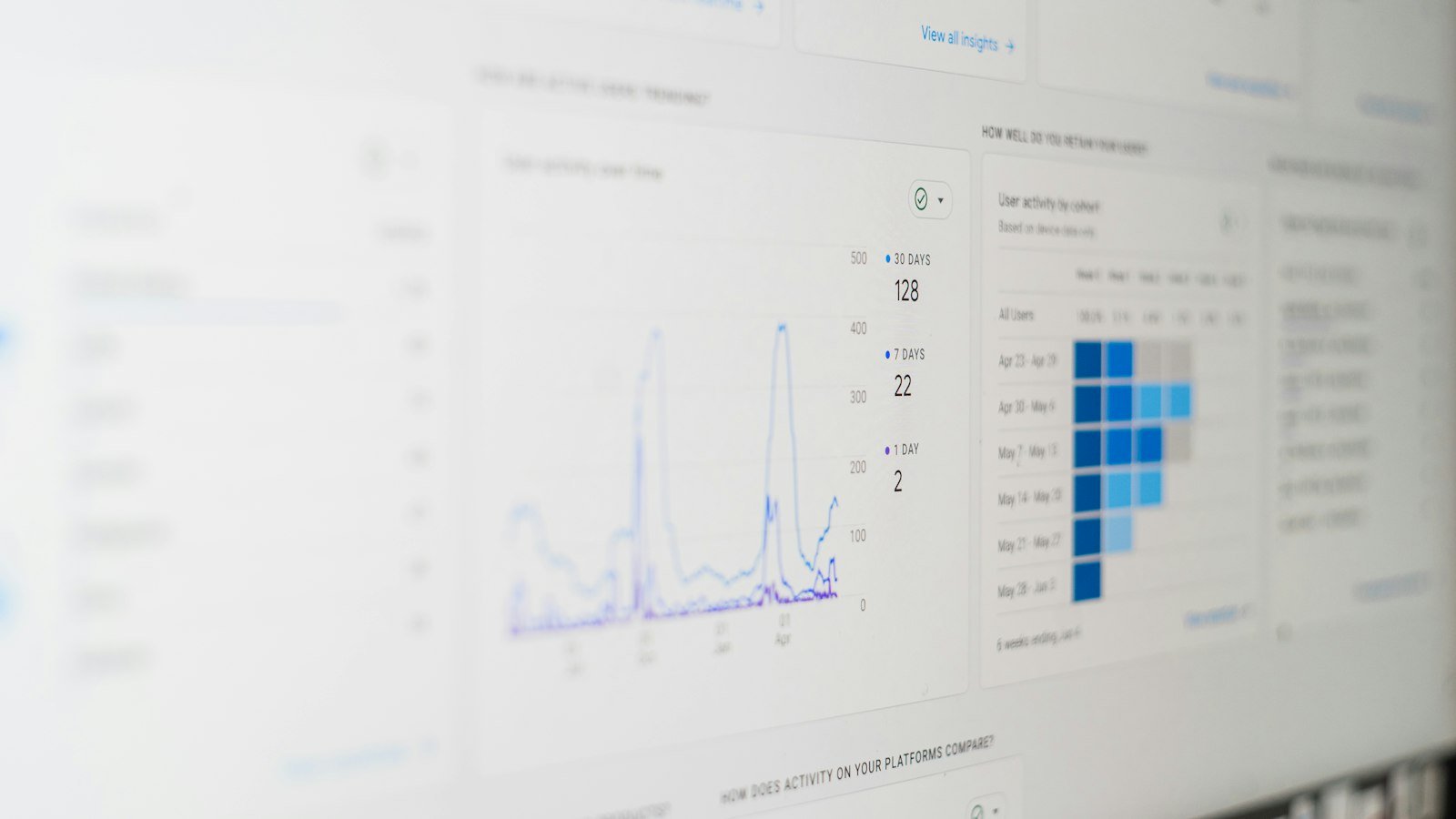
Campaigns built around your goals and budget
Paid search explained
Reach people at the moment they start looking.
When someone types a question or a service into Google, they are usually closer to a decision than someone who is simply scrolling. Google Ads lets a business place its offer in front of those searches, choose where and when ads appear, and manage spend according to how the campaign is set up.
That makes it a practical channel for businesses that need enquiries, calls, bookings or online sales, provided the campaign is organised properly, the tracking is correct and the page people land on is relevant. That is the work we take on.
Someone searches
A person looks for a product, service or answer.
Your ad appears
A relevant ad is shown for matching searches.
They visit your page
A focused landing page answers their question.
They get in touch or buy
A call, form, booking or purchase is recorded.
Illustration of a typical search journey. It does not represent results.
What we offer
Google Ads services, end to end.
Each campaign type has a different job. We recommend the mix that fits your goals, budget and the way your customers search.
01
Google Search Ads
Text ads that appear when people search for your products or services, matched to the keywords and intent that matter to your business.
02
Google Display Ads
Visual ads shown across websites and apps, useful for building awareness and reminding earlier visitors about your offer.
03
YouTube Ads
Video campaigns that put your message in front of relevant audiences, from short introductions to product explanations.
04
Keyword research
Finding the search terms your customers actually use, grouping them by intent and identifying the ones that should be excluded.
05
Campaign setup and management
Account structure, targeting, budgets, bidding and ad copy set up carefully, then managed so the campaign does not drift.
06
Conversion tracking
Tracking for calls, form submissions, bookings or purchases so you can see which activity leads to real enquiries.
07
Campaign optimisation and reporting
Regular reviews of search terms, ads, audiences and spend, followed by reports that explain what happened, what we changed and what we plan to do next.
Campaign structure
A well-organised account is easier to improve.
A clear structure keeps budgets, messages and reporting separate, so you can see which part of the account is working and adjust it without disturbing the rest.
Account
Your Google Ads account: goals, budget and conversion tracking
Campaign
Search
Ad groups
Grouped by service or product theme
Targeting and creative
Keywords, match types, negative keywords and ad text
Campaign
Display
Ad groups
Grouped by audience or placement theme
Targeting and creative
Audiences, placements and image ads
Campaign
YouTube
Ad groups
Grouped by audience or video goal
Targeting and creative
Audiences and video assets
Simplified example for illustration. Real accounts are planned around each business.
Why Google Ads
Practical benefits, realistic expectations.
Reach people with intent
Ads can appear when people search for terms related to what you sell.
Control over budget and targeting
Set daily budgets and choose locations, schedules and devices, then adjust as you learn.
Activity you can measure
With tracking in place, calls, forms and purchases can be linked back to campaigns.
Room to adapt
Campaigns can be paused, refined or redirected as your offers and priorities change.
A note on expectations
Nobody can guarantee Google Ads results.
Clicks, enquiries and sales depend on your market, competition, budget, offer, website and tracking. We discuss realistic goals with you at the start and report openly on what the campaigns are doing.
Our process
From first conversation to ongoing improvement.
Each stage of a campaign is explained, so you can see what is being set up, what is being tested and why.
01
Understand your business goals
We learn what you sell, who you want to reach, what a good enquiry or sale looks like and what budget you have.
02
Research keywords and audiences
We study how customers search, which terms show buying intent and which ones should be avoided.
03
Plan the campaign structure
Campaigns and ad groups are organised by theme, with locations, schedules, budgets and messaging agreed with you.
04
Configure tracking
Conversion tracking is set up and tested before launch, so results are measured from day one.
05
Launch and monitor
Campaigns go live and are watched closely at first to catch issues with spend, targeting or approvals.
06
Review and optimise
We review search terms, ads and audiences, make changes with a clear reason and report what we found.
Optimisation is a cycle, not a one-off task
Measure
Learn
Adjust
Test
Report
Illustration of the review cycle we follow after launch.
Who can benefit
Built for businesses that depend on enquiries.
Google Ads suits many kinds of business. These are some common situations where it can help.
Local service businesses
Plumbers, clinics, repair services and other businesses that want calls or bookings from people nearby.
Online stores
Retailers who want to promote products to shoppers who are already searching for them.
Professional and B2B services
Consultants, agencies and suppliers looking for qualified enquiries rather than general traffic.
Education and training providers
Schools, academies and course providers promoting enrolments or open days.
Software and technology companies
Teams promoting a product, demo or trial to people searching for a specific solution.
Seasonal or time-limited offers
Businesses with launches, events or promotions that need to reach people quickly.
Avoid the pitfalls
Common campaign mistakes, and how to avoid them.
Common mistake
Launching without conversion tracking
Better: set up and test tracking first, so every decision is based on real enquiries, not guesses.
Common mistake
Sending every click to the homepage
Better: send each campaign to a relevant page with a clear message and an obvious next step.
Common mistake
Using broad keywords with no exclusions
Better: review the search terms report regularly and add negative keywords to stop wasted spend.
Common mistake
Changing too many things at once
Better: make controlled changes and note why, so you can tell what helped.
Common mistake
Overlooking mobile visitors and location
Better: check how pages work on phones and set locations and schedules to match where customers are.
Common mistake
Judging success by clicks alone
Better: measure calls, form submissions, bookings and sales, not only clicks and impressions.
FAQ
Google Ads questions, answered.
How much should I spend on Google Ads?
There is no single right figure. It depends on your market, how competitive your keywords are and what a customer is worth to you. We help you choose a starting budget you are comfortable testing with, then adjust it as the data comes in.
How long does it take to see results?
Campaigns can start receiving traffic soon after they are approved, but it usually takes some time to gather enough data to judge performance and refine targeting. We cannot promise a timeline or an outcome, and we will explain what we are seeing as it develops.
Can you guarantee first-page positions or more sales?
No. Ad placement is decided by an auction that includes bids, ad quality and relevance, and sales depend on many things beyond the ad. We focus on setting up and managing campaigns carefully, and on reporting honestly.
What is the difference between Search, Display and YouTube ads?
Search ads appear when people look for something specific, Display ads appear as visuals on websites and apps, and YouTube ads reach people through video. Search is often the starting point for enquiries, while Display and YouTube can support awareness and remarketing.
Do I need a website or landing page?
Yes, people need somewhere useful to land. A clear page that matches the ad and makes it easy to call, enquire or buy can make a real difference. If your current page needs work, we can discuss improvements with you.
Can you work with an existing Google Ads account?
Often yes. We can review an existing account first, look at its structure, tracking and spend, and recommend changes before touching anything.
Who owns the ad account and the data?
We recommend that your business owns its Google Ads account and data, with us given the access needed to manage it. That way you keep control and can see everything that is happening.
Google and Google Ads are trademarks of Google LLC. This page is for information and does not imply endorsement by or partnership with Google.
Free consultation
Ready to talk about your Google Ads?
Tell us about your business, your goals and your budget. We will talk through campaign structure, targeting and tracking and suggest where to begin, with no obligation.