
AI Chatbots and Integrations
AI assistants and integrations built around your business and your data.
We design and build AI chatbots, document-based assistants and system integrations, scoped around your use case, your sources and your tools rather than a fixed package.
- Website chatbots and knowledge-base assistants
- Integrations with your website, ERP, CRM and tools
- Human handover and access control where needed
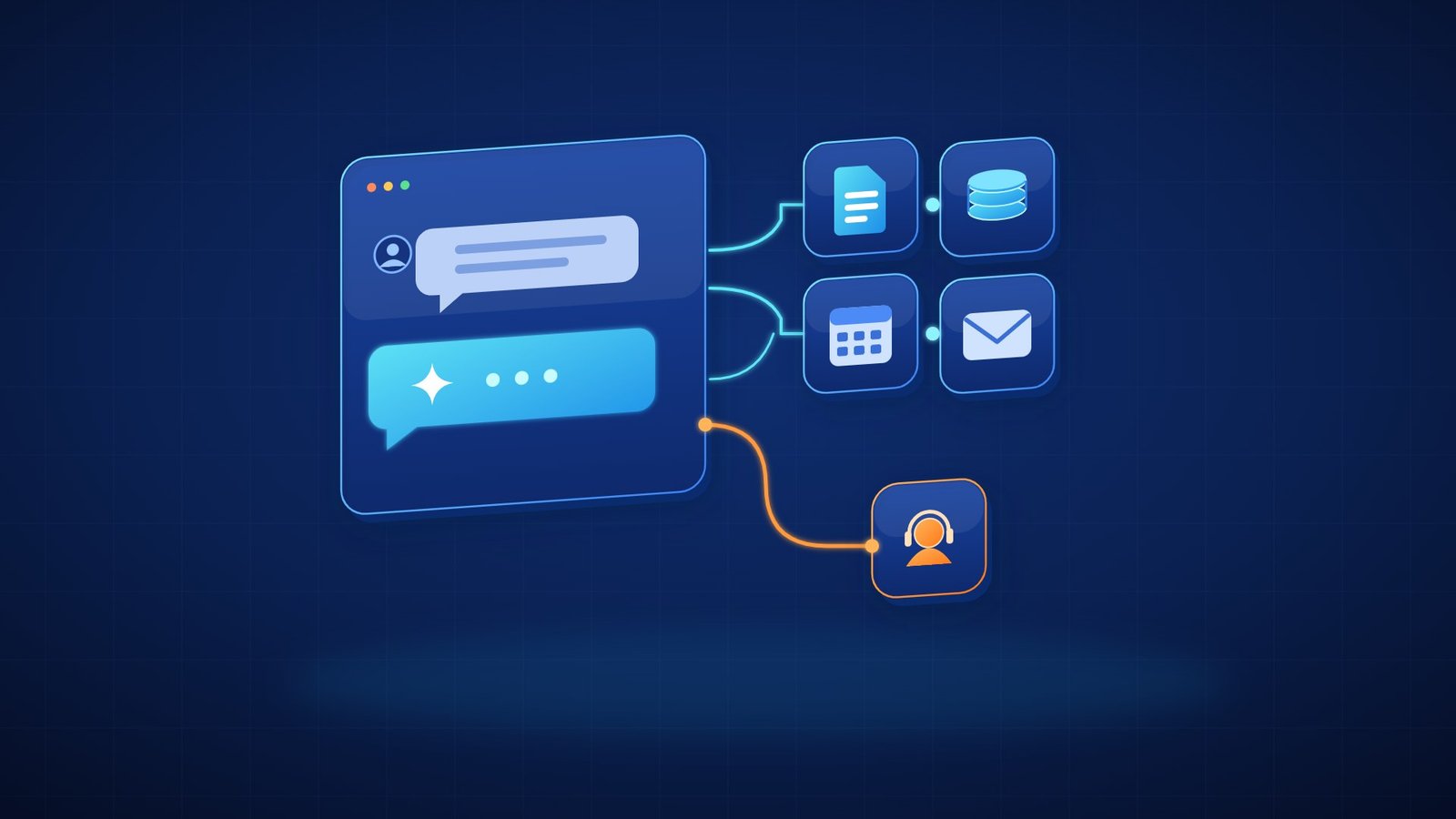
Scoped around your use case
A chatbot is not an automation system
Two different things, scoped separately.
A chatbot answers questions or collects details in a conversation. A complete AI automation system goes further: it connects to your tools and data, follows rules and can trigger actions in other systems. Many businesses only need the first, some need both, and a few need neither.
No solution includes every capability. We start from the problem you want to solve, explain the options honestly and scope only what your business needs, including where a person should stay in the loop.
Monitoring and improvement
Ongoing review and adjustments
Automation and integrations
Connections to tools, APIs and workflows
Assistants and chatbots
The conversations your users actually have
Access, privacy and handover
Who can see what, and when a person steps in
Source data and use case
Your content and the problem to solve: the foundation
Illustration of how the layers build on each other. It does not represent results.
What we build
Six areas, chosen to fit your needs.
Every business is different, so each solution is scoped around the areas that matter to you. These are the main areas we work in. Not every area is part of every project.
01
Website AI chatbots
Helping visitors find answers and reach the right next step.
- Answers to common questions about your services
- Guidance to the right page or contact option
- Tone and language set to suit your brand
- Clear limits on what the chatbot should not answer
- Handover to your team when a visitor needs a person
02
Knowledge-base and document Q&A
Answers drawn from your own documents, using retrieval-based (RAG) approaches.
- Question answering over documents you approve
- RAG: retrieving relevant passages before an answer is written
- Source references so answers can be checked
- Content updates when your documents change
- Defined behaviour when no good answer is found
03
Support and lead assistants
Handling routine enquiries and collecting useful details for your team.
- First-line answers to common support questions
- Lead qualification questions you define
- Collecting contact details with clear consent
- Routing enquiries to the right person or team
- Escalation to a human for complex or sensitive cases
04
Internal employee assistants
Helping your team find policies, procedures and information faster.
- Questions about internal documents and procedures
- Access limited by user role or team
- Answers that point back to the source document
- Support for onboarding and everyday questions
- Review of what the assistant can and cannot see
05
Integrations with your systems
Connecting assistants to the websites and tools you already use.
- Existing websites and WordPress
- ERP systems and business software where supported
- CRM platforms and contact records
- Email, messaging and support tools
- Integration depends on what each tool allows
06
Workflow automation and APIs
Linking tools so routine, rule-based steps need less manual work.
- API integrations between your systems
- Triggers and rules you define
- Notifications, tasks and record updates
- Human approval steps for important actions
How we scope
Your use case decides, not a fixed feature list.
There is no standard chatbot package here. These are the main things that decide how simple or involved an assistant becomes, and we agree them with you before development starts.
Your use case
Purpose
What the assistant is for, who uses it and what success looks like to you.
Behaviour
What it should answer, what it should refuse and when it hands over.
Channels
Where it appears: your website, internal tools or messaging.
Your data and integrations
Source data
The documents, pages and records it may use, and who keeps them current.
Integrations
Websites, ERP, CRM or other tools to connect, and what each allows.
Quality
How answers are checked against your sources before launch.
Access, testing and deployment
Permissions
Who can see which information, and which actions need approval.
Testing
Real questions, edge cases and failure scenarios before going live.
Deployment
How it launches, how it is monitored and who maintains it.
Each assistant is scoped from your use case and sources, so this page does not quote a price or timeline.
Why it can help
Assistants that fit how you work.
Quicker answers
Visitors and staff can find information without searching through pages and files.
Consistent information
Answers can be based on content you have approved.
Less repetitive work
Routine questions and simple handovers can need less manual effort.
People stay in control
Handover rules route complex cases to your team.
A note on expectations
AI responses can be wrong, so people stay involved.
AI systems can produce inaccurate, incomplete or out-of-date answers. We cannot guarantee that every answer will be correct. Important business, legal, financial or medical decisions need appropriate human review, and we design handover, source references and monitoring around that. We do not promise specific results.
Our process
From first conversation to a monitored solution.
From use case and knowledge sources to testing and monitoring, each stage is agreed with you before the next begins.
01
Define the use case
We agree the problem, the users and what the assistant should and should not do.
02
Prepare sources and integrations
We review your documents and tools and confirm what can be connected.
03
Design behaviour and access
We set answer style, limits, permissions, privacy needs and handover rules.
04
Build
We build the agreed assistant and connections in stages, so you can review progress.
05
Test
We test with real questions, edge cases and failure scenarios, and review the answers with you.
06
Deploy and monitor
We launch, review real conversations and adjust as your content and needs change.
A solution keeps evolving after launch
Monitor
Review
Refine
Update
Support
Illustration of how a solution is looked after over time.
What we need from you
The clearer your use case, the better the assistant.
You do not need technical documents. Examples of the questions you want answered are the most useful starting point.
Use case and goals
What you want the assistant to do, for whom and in which channel.
Source content
Documents, pages, FAQs and policies it may use, kept up to date.
Common questions
Real questions from customers or staff, including awkward ones.
Tools and systems
Websites, ERP, CRM or other tools to connect, with access details handled securely.
Rules and limits
Topics to avoid, tone, approvals and when to hand over to a person.
A decision-maker
One person to answer questions and approve stages so work keeps moving.
Avoid the pitfalls
Common AI project mistakes, and how to avoid them.
Many assistant projects disappoint because of a few avoidable habits in scoping and testing.
Common mistake
Expecting perfect answers
Better: plan for errors with source references, review and human handover.
Common mistake
Using unreviewed content
Better: give the assistant approved, current sources and keep them updated.
Common mistake
Ignoring access and privacy
Better: decide who can see which data before connecting anything.
Common mistake
Automating too much at once
Better: start with one use case and add capabilities in stages.
Common mistake
Skipping real-world testing
Better: test with real questions and the people who will use it.
Common mistake
Launching and forgetting
Better: monitor conversations and update content and rules regularly.
FAQ
AI chatbot questions, answered.
What is the difference between a chatbot and an AI automation system?
A chatbot mainly answers questions or collects details in a conversation. An automation system connects to your tools and can follow rules and trigger actions in other systems. They are scoped separately, and a project may include one, the other or both.
Will every solution include every capability?
No. Each solution is scoped around your use case. We agree which capabilities are needed, which can wait for a later stage and which are not required.
Can the AI give wrong answers?
Yes. AI responses can be inaccurate or incomplete, and we cannot guarantee accuracy. We reduce risk with approved sources, clear limits, source references, testing and monitoring, and we recommend human review for important decisions.
What does RAG mean?
RAG stands for retrieval-augmented generation. The system first retrieves relevant passages from your approved documents, then uses them to write an answer. It can help ground answers in your content, but it does not make them always correct.
Can it connect to our ERP, CRM or website?
Often, yes, depending on the tool and what it allows. We confirm what is possible during scoping, and we do not assume every system can be integrated.
How are privacy and access handled?
We agree what data the assistant may use and who can see it, and we recommend limiting access to what is needed. Your own legal and privacy requirements remain your responsibility, so please confirm them with your adviser.
What affects the cost and timeline of an AI assistant?
The main factors are the use case, how much source content there is and how well organised it is, the integrations required, the access rules and how much testing is needed. We do not publish fixed prices or promise delivery dates up front. Once the scope is clear, we agree a plan with you.
This page is for information. Features are scoped per project, AI answers can be inaccurate, and this page does not offer legal or compliance advice.
Free consultation
Ready to talk about your AI assistant?
Tell us what you want an assistant to do and where your information lives. We will talk through knowledge sources, integrations and handover and suggest where to begin, with no obligation.