
Custom ERP Solutions
Business software built around how your company works.
We design and build custom ERP and business software that brings inventory, sales, purchasing, reporting and approvals into one system, scoped around your real processes rather than a fixed package.
- Inventory, sales, purchasing and invoicing workflows
- Reporting, dashboards and user permissions
- Scoped around your actual processes
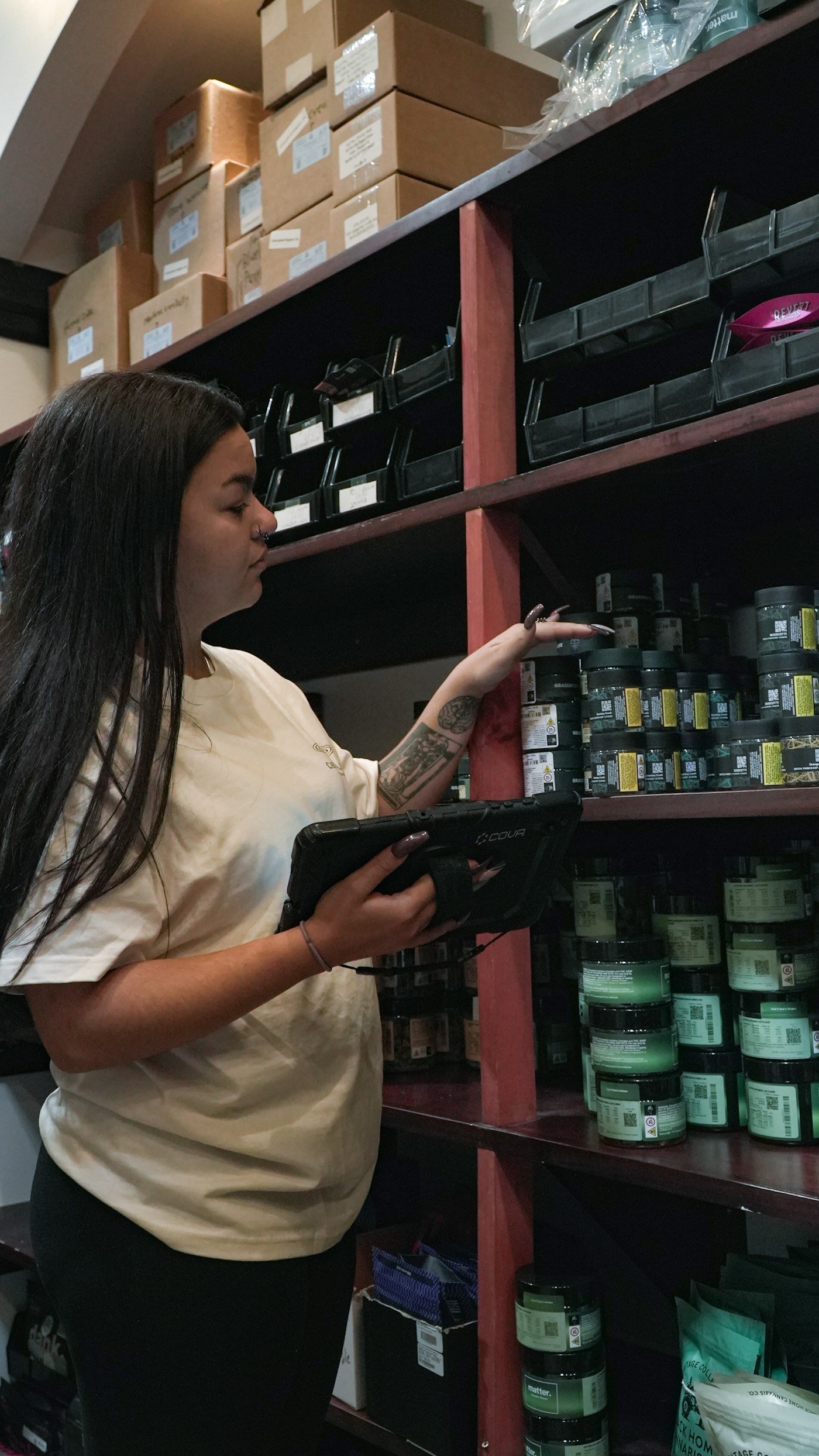
Designed around your workflows
Why custom software
Fewer workarounds, clearer day-to-day work.
Many growing businesses run on spreadsheets, disconnected tools and manual re-entry. A custom system can bring the processes that matter into one place, so teams work from the same records and approvals follow the steps your business actually uses.
Custom is not always the right answer. Sometimes an existing product fits, and sometimes a smaller tool is enough. We start from your processes, explain the options honestly and scope only what your business needs.
Support and improvement
Ongoing care and adjustments
Reporting and automation
Dashboards, alerts and workflow rules
Business modules
The areas your business actually needs
Users, roles and approvals
Who can see, change and approve what
Processes and data
Your workflows and records: the foundation
Illustration of how the layers build on each other. It does not represent results.
What we build
Six areas, chosen to fit your business.
Every business runs differently, so each system is scoped around the areas that matter to you. These are the main areas we work in. Not every area is part of every project.
01
Inventory and stock management
Tracking what you hold, where it is and when it needs attention.
- Products, categories and variants
- Stock levels across locations or warehouses
- Stock in, out and transfer records
- Low-stock and reorder alerts
- Stock counts and adjustments
02
Sales, purchases and invoicing
Following orders and documents from quotation through to payment.
- Quotations, orders and invoices
- Purchase orders and supplier bills
- Payment status and outstanding balances
- Document templates with your details
- Order history and document search
03
Customers, suppliers and POS
Keeping contacts, transactions and retail sales connected.
- Customer and supplier records and history
- Point-of-sale and retail workflows where needed
- Pricing, discounts and tax settings you define
- Receipts and daily sales summaries
- Notes, contacts and communication history
04
Reporting and business analytics
Turning your own records into clear, usable reports and dashboards.
- Sales, stock and purchase reports
- Custom dashboards for managers and teams
- Filters by date, product, customer or branch
- Exports for sharing and review
- Reports designed around your decisions
05
Accounting integrations and finance
Connecting operational records to the way your finance work is done.
- Integration with accounting tools where supported
- Invoice, payment and expense workflows
- Chart of accounts and category mapping
- Reconciliation and review steps
- Export formats your accountant can use
06
Roles, approvals and automation
Making sure the right people do the right steps, with less manual work.
- User roles and permissions
- Approval workflows for orders, expenses or changes
- Notifications and reminders
- Automation of repetitive, rule-based tasks
How we scope
Your processes decide, not a fixed feature list.
There is no standard ERP package here. These are the main things that determine the size of a system, and we agree them with you before development starts.
Your processes
Workflows
Which steps, approvals and handovers the system needs to support.
Modules
Which of the areas above are needed now, and which can wait.
Rules
Pricing, approvals, limits and other rules your business uses.
Your data and tools
Existing data
Spreadsheets or systems whose records may need to be moved.
Integrations
Accounting, payment, e-commerce or other tools to connect.
Reports
The reports and dashboards your team needs to see.
Your people and rollout
Users
How many people use it, in which roles and in which locations.
Training
How your team learns the system and who supports it.
Rollout
Whether you launch in phases or all at once, and what is needed to test.
Each system is scoped from your workflows, so this page does not quote a price or timeline.
Why it can help
Software that fits how you work.
One source of records
Teams can work from the same information instead of separate files.
Clearer responsibilities
Roles and approvals show who is responsible for each step.
Less repeated entry
Connected steps can reduce re-typing between documents and tools.
Visibility for decisions
Reports and dashboards can make your own data easier to read.
A note on expectations
Software does not replace professional advice.
A custom system can support your accounting, tax and regulatory processes, but it does not guarantee compliance. Your accountant or adviser decides what rules apply, and we build to the requirements you confirm. We do not promise specific savings or results.
Our process
From first conversation to a supported system.
Each stage is reviewed with you, from mapping your workflows to testing modules with realistic data before anything goes live.
01
Gather requirements
We study your processes, documents, users and pain points before proposing anything.
02
Design workflows
We map how work should flow, agree modules and rules, and show you how it will look.
03
Develop
We build the agreed modules in stages, so you can review progress along the way.
04
Test
We test workflows with realistic data and with the people who will use the system.
05
Deploy
We prepare the live environment, move agreed data and bring your team onto the system.
06
Support and improve
We help after launch and plan fixes or changes as your processes evolve.
A system keeps evolving after launch
Use
Review
Refine
Extend
Support
Illustration of how a system is looked after over time.
What we need from you
The clearer your processes, the better the system.
You do not need technical documents. Examples of how you work today are the most useful starting point.
Current processes
How orders, stock, invoices and approvals work today, including workarounds.
Sample documents
Spreadsheets, invoices, reports and forms you use now.
Users and roles
Who will use the system and what each person should see or do.
Existing tools and data
Software you use and records that may need to be moved or connected.
Rules and priorities
Approval limits, pricing rules and the areas that matter most.
A decision-maker
One person to answer questions and approve stages so work keeps moving.
Avoid the pitfalls
Common software mistakes, and how to avoid them.
Many software projects struggle because of a few avoidable habits in planning and rollout.
Common mistake
Building everything at once
Better: start with the processes that matter most and add modules in stages.
Common mistake
Digitising a messy process
Better: simplify the workflow first, then build it so it stays simple.
Common mistake
Ignoring roles and permissions
Better: decide who can view, edit and approve before development starts.
Common mistake
Overlooking existing data
Better: plan data clean-up and migration early, with checks on the results.
Common mistake
Skipping real-world testing
Better: test with realistic data and the people who will use the system.
Common mistake
Assuming software guarantees compliance
Better: confirm tax and regulatory needs with your accountant or adviser.
FAQ
Custom ERP questions, answered.
What is a custom ERP system?
ERP stands for enterprise resource planning. A custom ERP is business software built around your processes, which can include areas such as inventory, sales, purchasing, invoicing, reporting and approvals, in one connected system.
Will every project include every feature?
No. Each system is scoped around your actual processes. We agree which areas are needed, which can wait for a later stage and which are not required.
How much does a custom system cost?
It depends on the number of modules, how complex your workflows are, the integrations and data migration needed and the number of users. We do not publish fixed prices because every system is scoped from your own workflows. Once we have mapped them, we explain what is involved and what drives the cost.
How long does it take to build?
It varies with the scope, how quickly feedback and data arrive and how complex the workflows are. We cannot promise a delivery date up front, but we agree a realistic, staged plan once the scope is clear.
Can it connect to our accounting software?
Often, yes, depending on the tool and what it allows. We confirm what is possible during scoping, and we do not assume every tool can be integrated.
Does custom software guarantee tax or regulatory compliance?
No. Software can support your processes, but compliance depends on your business, your location and how the system is configured and used. Please confirm requirements with your accountant or adviser.
Who owns the system and the data?
Your business should own its data. Ownership of the software and who hosts it are agreed up front, so we recommend settling these points in writing before development begins.
This page is for information. Features are scoped per project, and software does not replace professional accounting, tax or legal advice.
Free consultation
Ready to talk about your business software?
Tell us about your business and how work flows through it today. We will talk through modules, permissions and integrations and suggest where to begin, with no obligation.